BookMyCharging connects you to EV charging stations across Hungary and the region. Locate the nearest charger, start charging and pay - all without leaving your car.
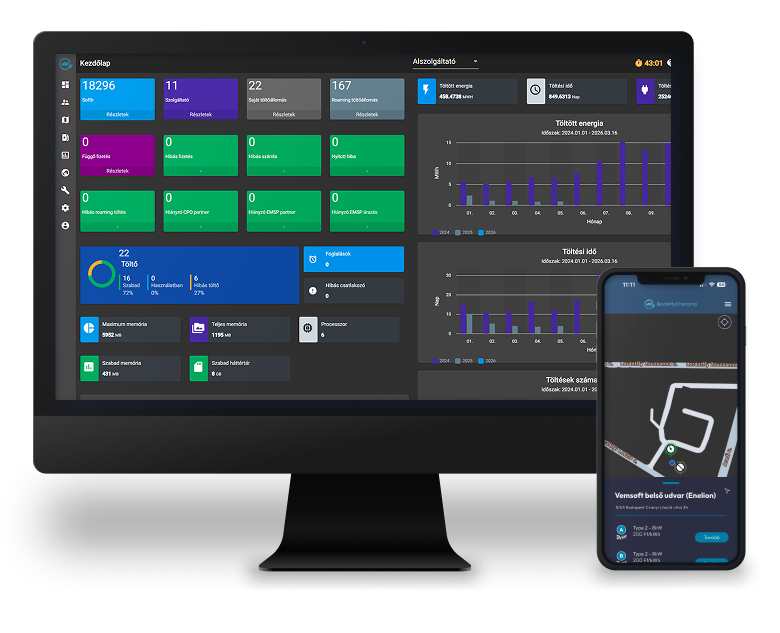
Features designed for drivers that make the charging process easier.
Charge and pay in a few taps. No terminal, no waiting.
Everything handled from your phone. Hygienic and convenient.
Encrypted transactions and controlled payments at every fill-up.bi-shield-check
Configurable charging durations for both AC and DC charging.
Launch navigation to your selected charger with one tap.
Charge on other providers’ stations via roaming — making long-distance travel easier to plan.
Join the BookMyCharging network and give your charging points the visibility they deserve.
Cloud-based system, no installation or extra hardware required. Maintenance included
Real-time data on charging point utilisation and revenue
Fits existing infrastructure. Open API, OCPP compatible.
Error detection and instant alerts. Improved uptime.
Display your own brand and promotions within the app.
Set custom prices, discounts and subscription models.
Automatic invoices and settlements for every charging transaction.
Businesses operating private charging infrastructure — such as car dealerships, electric fleet operators or taxi companies — can create dedicated closed user groups.
RFID cards issued by providers — or any card compatible with the charging station — can be linked to user accounts. This allows users to start and stop charging using their RFID card, without needing the mobile app.
Roaming allows a charging point operator to serve customers of other providers. Users can subscribe to a single provider and access the infrastructure of multiple charging point operators across the network.
Reward returning customers with point collection and discounts.
Get in touch and find out how we can increase the utilisation of your charging infrastructure together.
Four simple steps to a full charge — no queuing.
The app shows available charging points near you with real-time free/occupied status.
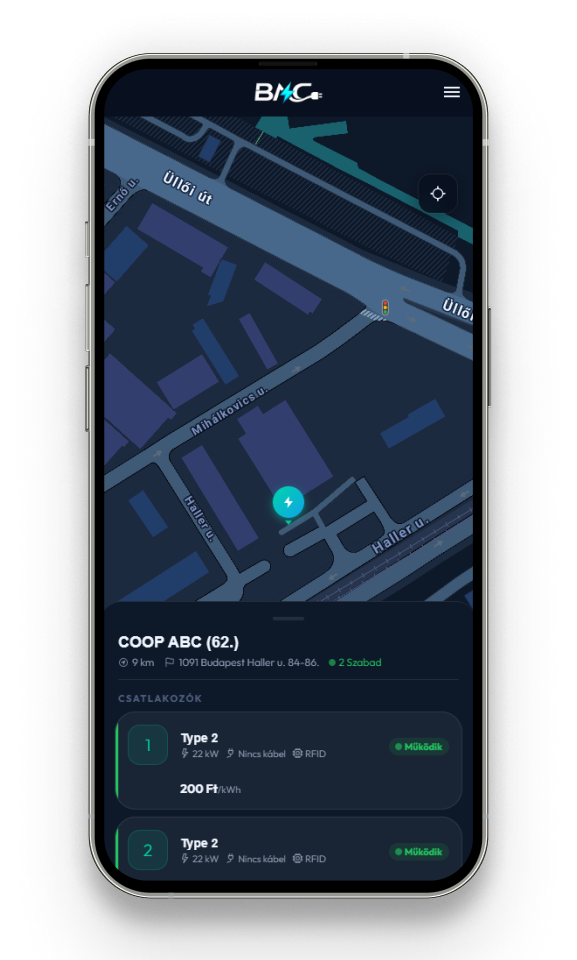
You can use the slider next to the amount to set the price for your charging session.
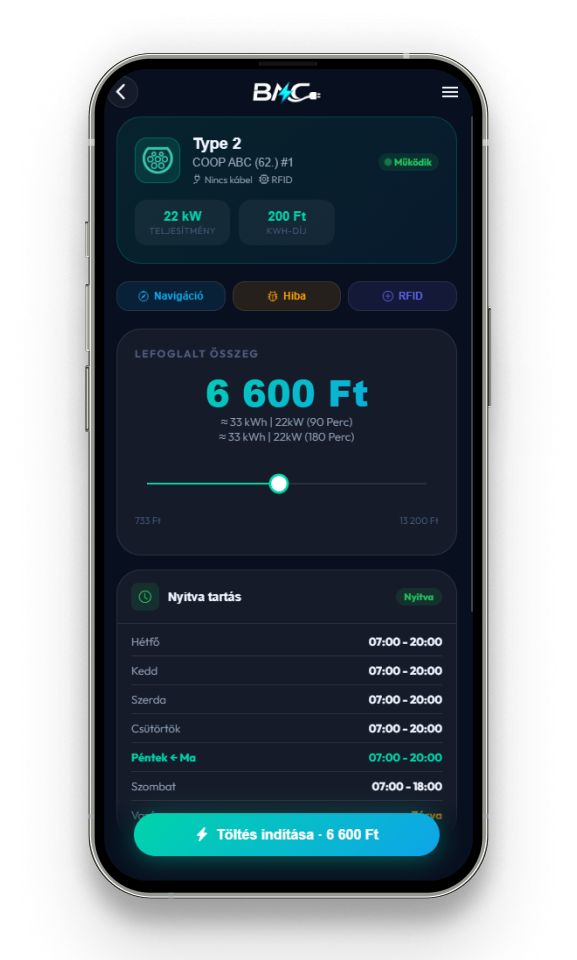
Pay by card directly from the app. Automatic charge, instant receipt.
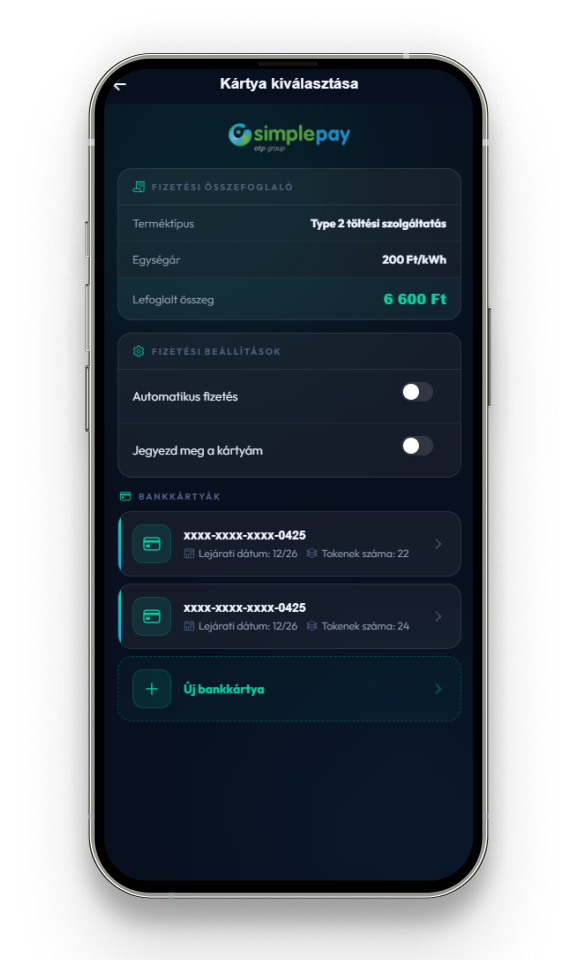
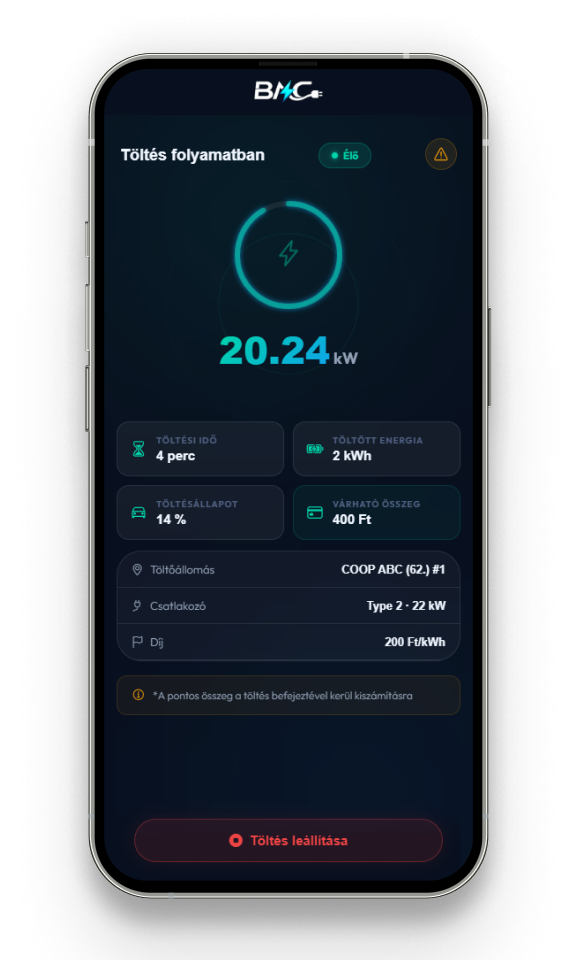
During charging you can see the charging speed, the energy delivered, your car’s battery level, and — for paid chargers — the expected cost. You can end the session at any time using the Stop Charging button.
Everything you need to know about BookMyCharging.
For Android from Google Play Store, for iPhone from the Apple App Store.
Yes, completely free.
Find EV charging stations, start a session and pay - all from your phone.
Via Google, Apple (iPhone) or email. Email requires inbox verification.
Yes, but card details must be entered each time and history is not saved.2
Your personal data is stored on BookMyCharging servers. You can access it from the app menu by tapping your email address - from there, tap the trash icon to permanently delete your account and all associated data.
Your data is used solely for generating invoices for your charging sessions.
Yes, tap your email at the top of the menu, then the trash icon.
Yes. Menu > Provider > Bank Cards.
OTP SimplePay or Stripe, not BookMyCharging.
Set the amount with a slider. Unused funds are refunded after charging ends.
Connect cable first, then tap Start in the app.1
Tap Start in the app first, then connect the cable.2
A crossed-out cable icon means you need your own cable.
At an RFID-capable station: connector view > RFID Pairing > plus icon > name it > hold to charger.
An RFID icon in the charger view indicates support.